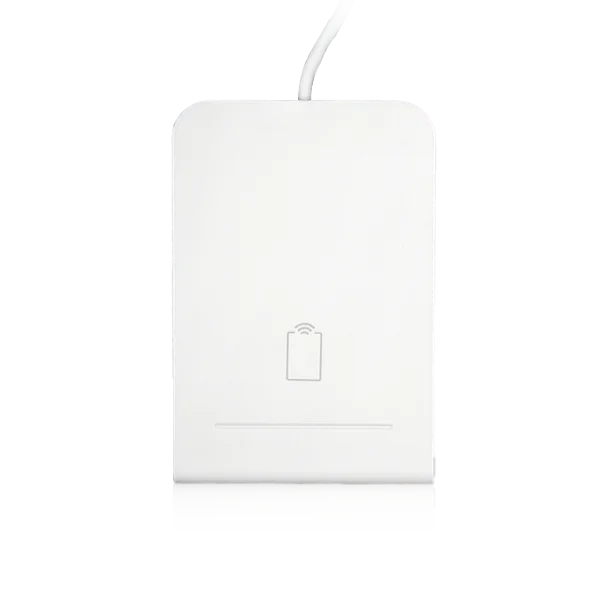
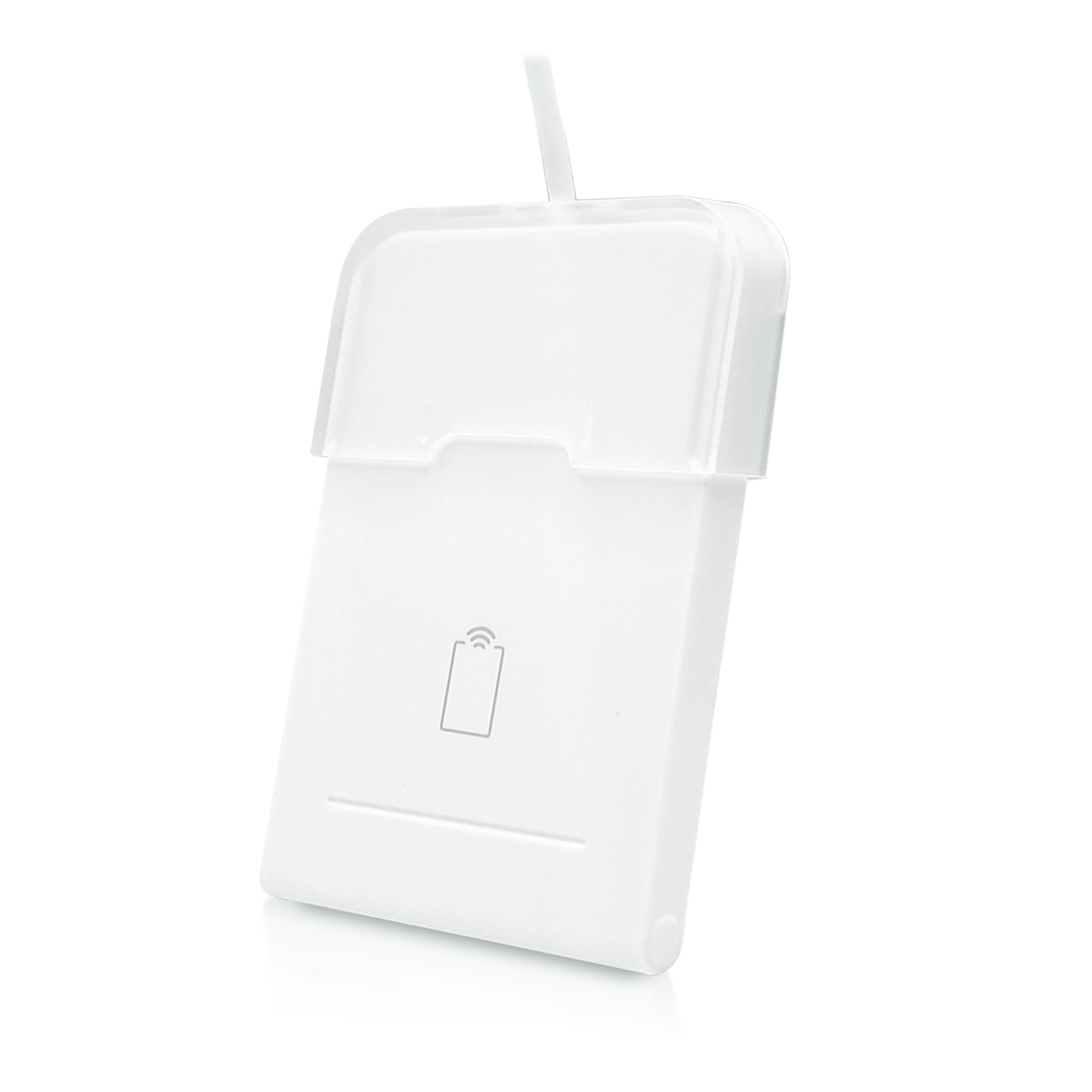
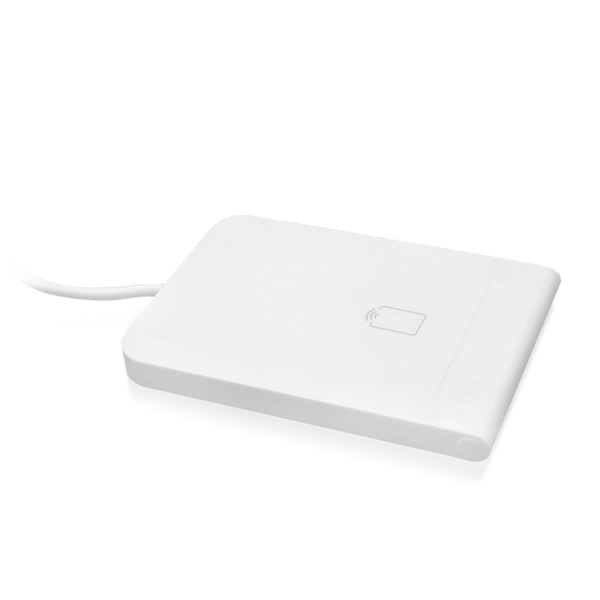
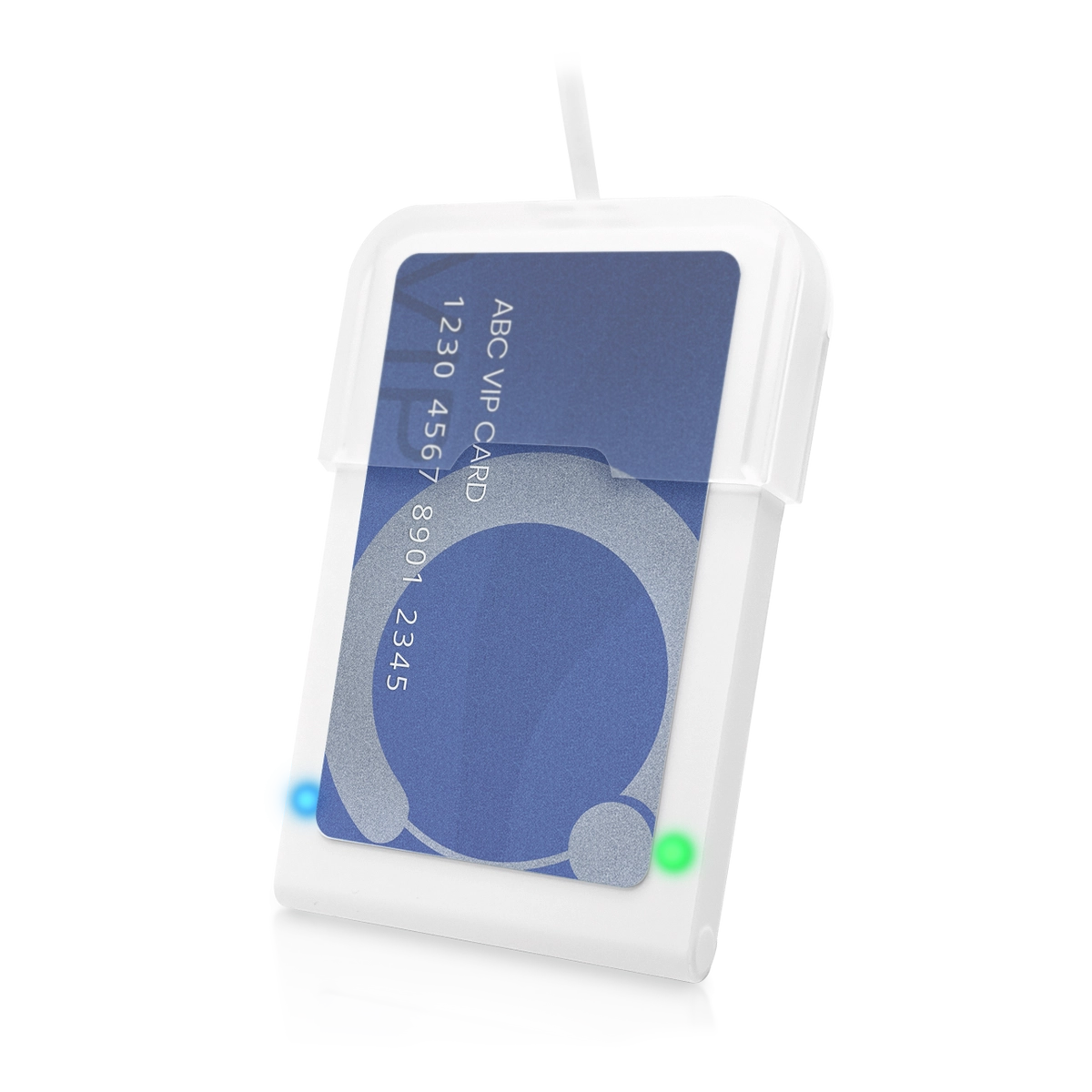
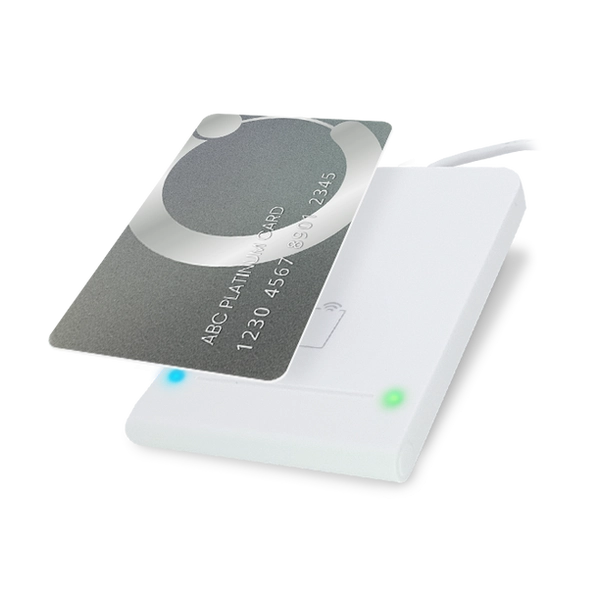
CIR615A Contactless Smart Card Reader with Keyboard Emulation
New

CIR615A
Contactless Smart Card Reader
with Keyboard Emulation

A USB human interface device (HID) device that reads and displays UID / IDm# of contactless tag at the cursor of the host application directly without driver installation

Specifications

Easy-to-use and interoperable

  • Supports ISO/IEC 14443, ISO/IEC 18092 and ISO/IEC 15693 standards
  • Supports ISO/IEC 14443-4 Type A & B cards, ISO/IEC 15693-3 cards, MIFARE® series, FeliCa, J-LIS cards, Calypso and NFC Forum Type 1/2/3/4/5 Tags
  • Supports 1 x ISO/IEC 7816 Part 3/4 SAM slot (Optional)
  • Supports extended APDU
  • Complies with CCID and HID standard
  • Conforms to PC/SC specifications
  • Firmware upgradable
  • Works on different operating systems
  • Optional connector types: USB A or USB C
  • USB cable length: 1m
  • A transparent card holder is included

Ordering Information

  • CIR615A-01: USB Type A Connector, with SAM slot (Standard)
  • CIR615A-02: USB Type A Connector, without SAM slot (MOQ is required)
  • CIR615A-03: USB Type C Connector, with SAM slot (MOQ is required)
  • CIR615A-04: USB Type C Connector, without SAM slot (MOQ is required)
* If order quantity does not meet the MOQ of CIR615A-03 & CIR615A-04, an extension cable of USB Type C Male to USB Type A Female enables you to connect CIR615A-01 with any USB Type C port of your devices. Contact us to learn more. 


# The UID of ISO/IEC 14443-4 Type B card is not constant.
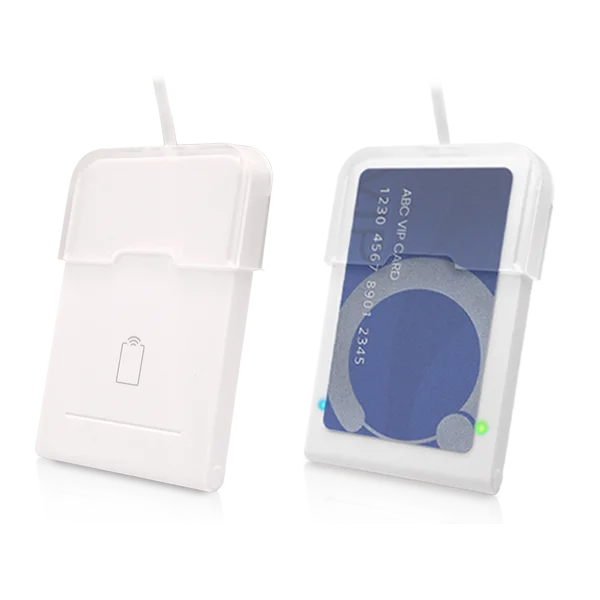
CIR615A Contactless Smart Card Reader with Keyboard Emulation

Frequently Asked Questions

The CIR615A has a built-in HID keyboard emulation, allowing it to read a contactless card’s UID/CSN/IDm# and automatically enter the data into any applications such as Word/Excel, email without requiring any driver installation.

Yes, the display output can be customized via the configuration software on our development resources age.

Simply just connect the CIR615A to your computer using the USB cable and it is ready to use. The reader can immediately start reading card’s UID and entering the card information into your selected application.

Downloads for CIR615A

USB Windows Installer (CIR615)

30 Jul 26     |     v2.4.0.1  (Driver v2.4.0.0)

USB Windows Driver (CIR615)

09 Jun 26     |     v2.4.0.0

USB Linux Installer

25 Jul 25     |     v2.2.2  (Driver v2.2.2)

USB Mac Installer

25 Jul 25     |     v2.2.2  (Driver v2.2.2)

USB Linux & Mac Driver

23 Jul 25     |     v2.2.2

USB Android Library

12 August 25     |     v1.5.0